




You step on the scale, glance down, and see a number you do not quite recognise – because it is in pounds when you think in kilograms, or stone when you expect pounds. Weighing units are a small but surprisingly common source of confusion, and getting them right matters more than you might think for tracking your weight properly. This guide explains the main weighing units – kilograms, pounds and stone – how they relate, how to switch between them on your scale, and which unit you should use and why consistency is what really counts. By the end, that number on the display will always make sense, and you will know exactly how to keep your readings comparable over time.
What Is a Weighing Unit?
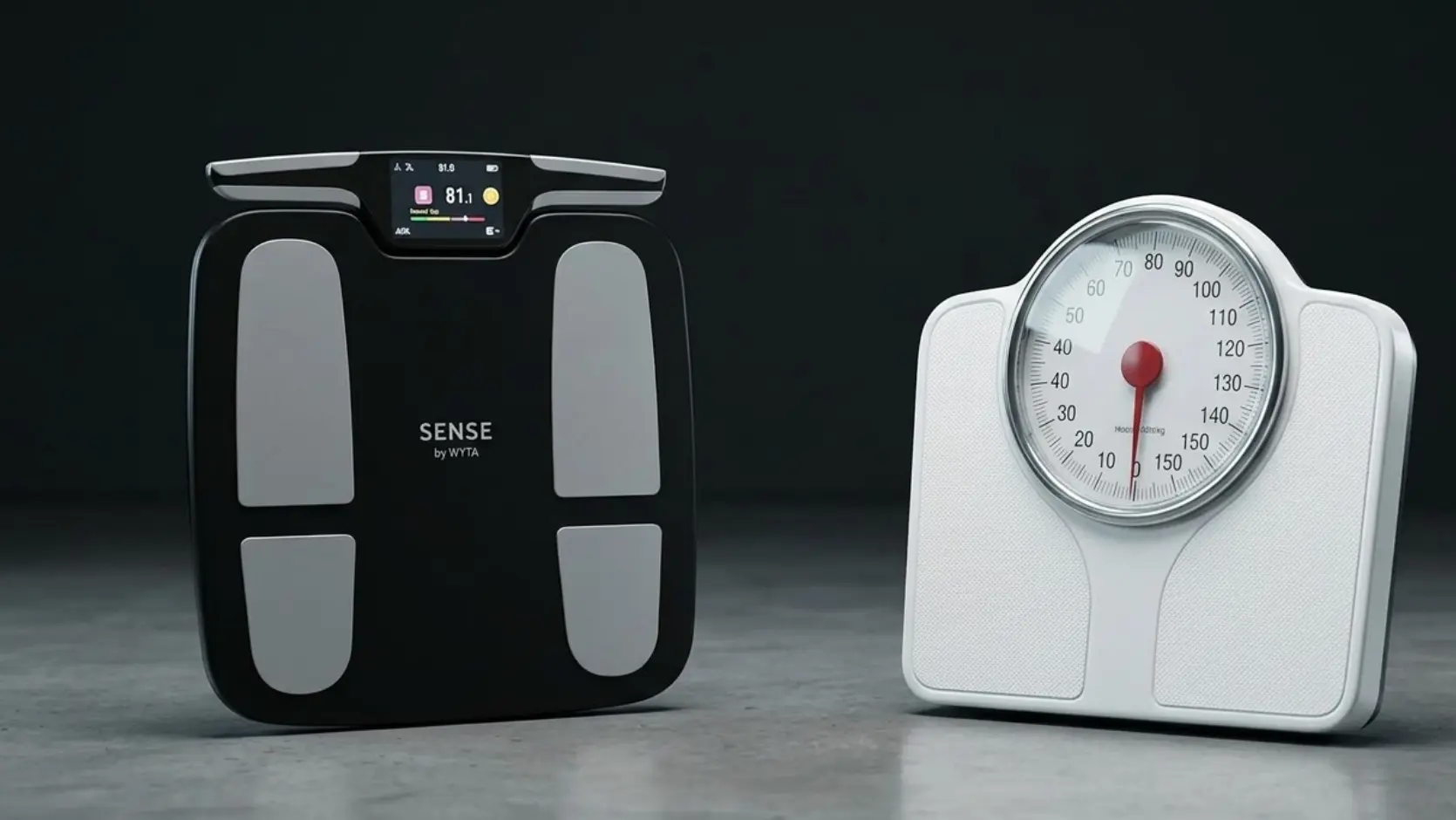
A weighing unit is simply the unit of measurement in which a scale displays your weight. The most common are kilograms (kg), pounds (lb) and, in some countries, stone (st). Your scale measures the same physical weight regardless of unit – the unit just changes how that weight is expressed on the display. Think of it like currency: the same value can be shown in different denominations. A given body weight is the same whether you read it as 70 kg or roughly 154 lb; only the label differs. Most modern digital scales, including smart ones, let you choose which unit you prefer.
Kilograms (kg)
The kilogram is the metric unit of mass and the standard across most of the world, including India. It is the unit used in science, medicine and fitness almost everywhere, which makes it the most universally understood choice. If you track your weight with apps, doctors or fitness programmes, kilograms are usually the common language. For most people in metric countries, kilograms are the natural and sensible default. They divide neatly, are easy to compare against health guidelines, and match the unit used by almost every fitness tool and calculator you are likely to use.
Pounds (lb)
The pound is an imperial unit of weight used mainly in the United States. One kilogram equals about 2.2 pounds, so weights in pounds are larger numbers than the same weight in kilograms. Many people in the US think and track exclusively in pounds, and most scales offer it as an option. If you are used to pounds, there is nothing wrong with using them – what matters is consistency. The only complication arises when you switch between unit systems or compare against metric health guidelines, where a quick conversion is needed.
Stone (st)
The stone is an older imperial unit still common in the United Kingdom and Ireland for body weight. One stone equals 14 pounds, so weight is often given as a combination, such as 11 stone 4 pounds. It is rarely used outside these regions and can be confusing to those unfamiliar with it. If your scale shows stone unexpectedly, it has simply been set to that unit, and you can switch it. For most people outside the UK and Ireland, stone is the least useful option and best changed to kilograms or pounds.
Converting Between Units
A few simple conversions cover almost everything you will need:
- Kilograms to pounds: multiply by 2.2.
- Pounds to kilograms: divide by 2.2.
- Stone to pounds: multiply by 14.
- Kilograms to stone: divide by 6.35.
Conversions are approximate, rounded for everyday use.
How to Change the Unit on Your Scale
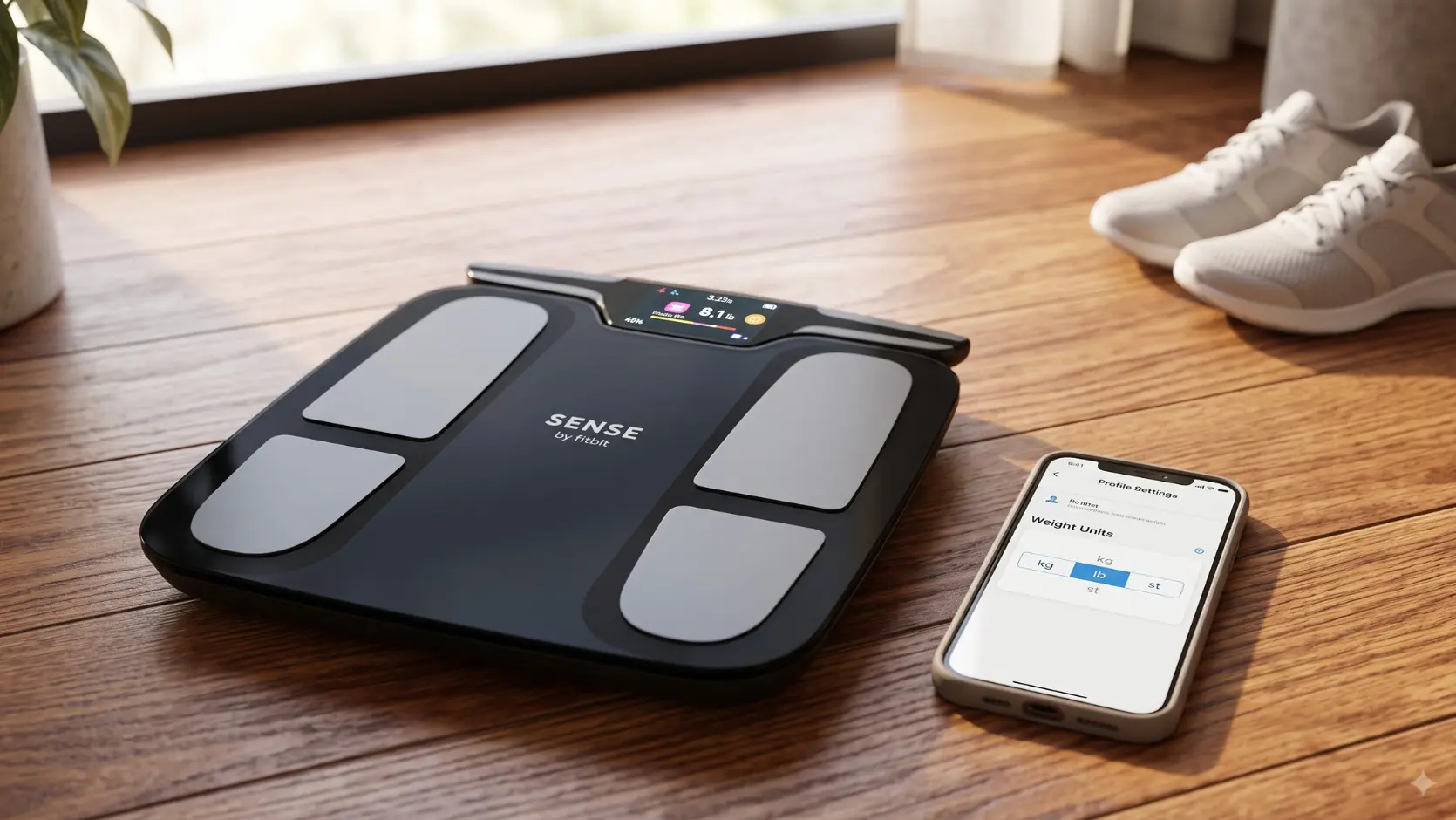
Switching units is usually straightforward. On many digital scales, there is a small button on the base, often labelled unit or kg/lb, that cycles through the available options. Press it until your preferred unit appears, and the scale remembers the setting. On smart scales, you often change the unit in the companion app instead, under settings, and the app and scale sync to your preference. If you are unsure, the user manual or the brand’s support page will show the exact method for your model.
Which Weighing Unit Should You Use?
The best unit is the one you understand most intuitively. In India and most of the world, that is kilograms, which also aligns with health guidelines and fitness tools. In the US, pounds are natural; in the UK and Ireland, stone is still common for body weight. There is no universally correct choice. What genuinely matters is picking one and sticking with it. Switching units midway through tracking makes your readings hard to compare and invites confusion, so choose the unit you think in and leave it set.
Why Consistency Matters Most
Whatever unit you choose, consistency is the real key. Tracking your weight is about watching a trend over time, and a trend is only meaningful if every reading is in the same unit. Jumping between kilograms and pounds turns a clear line into a confusing jumble. This mirrors the wider principle of accurate weighing: consistency in your method matters more than any single number. The same applies to units, timing and surface.
Units and Your Health Numbers
Many health metrics depend on your weight being entered in a specific unit. BMI, for example, uses kilograms and metres, and most health calculators are designed for metric measurements. While pounds can be used, they often need to be converted first.
Tools like Fittr’s BMR calculator help you estimate the number of calories your body needs at rest, making it easier to plan your nutrition based on accurate weight measurements.
Similarly, Fittr’s body fat calculator helps you better understand your body composition regardless of the unit you use. If you normally think in pounds or stone, simply convert your weight to kilograms when required. A handy rule of thumb is that 1 kilogram is approximately 2.2 pounds, which is accurate enough for most everyday calculations.
Example: The FITTR Sense Smart Scale
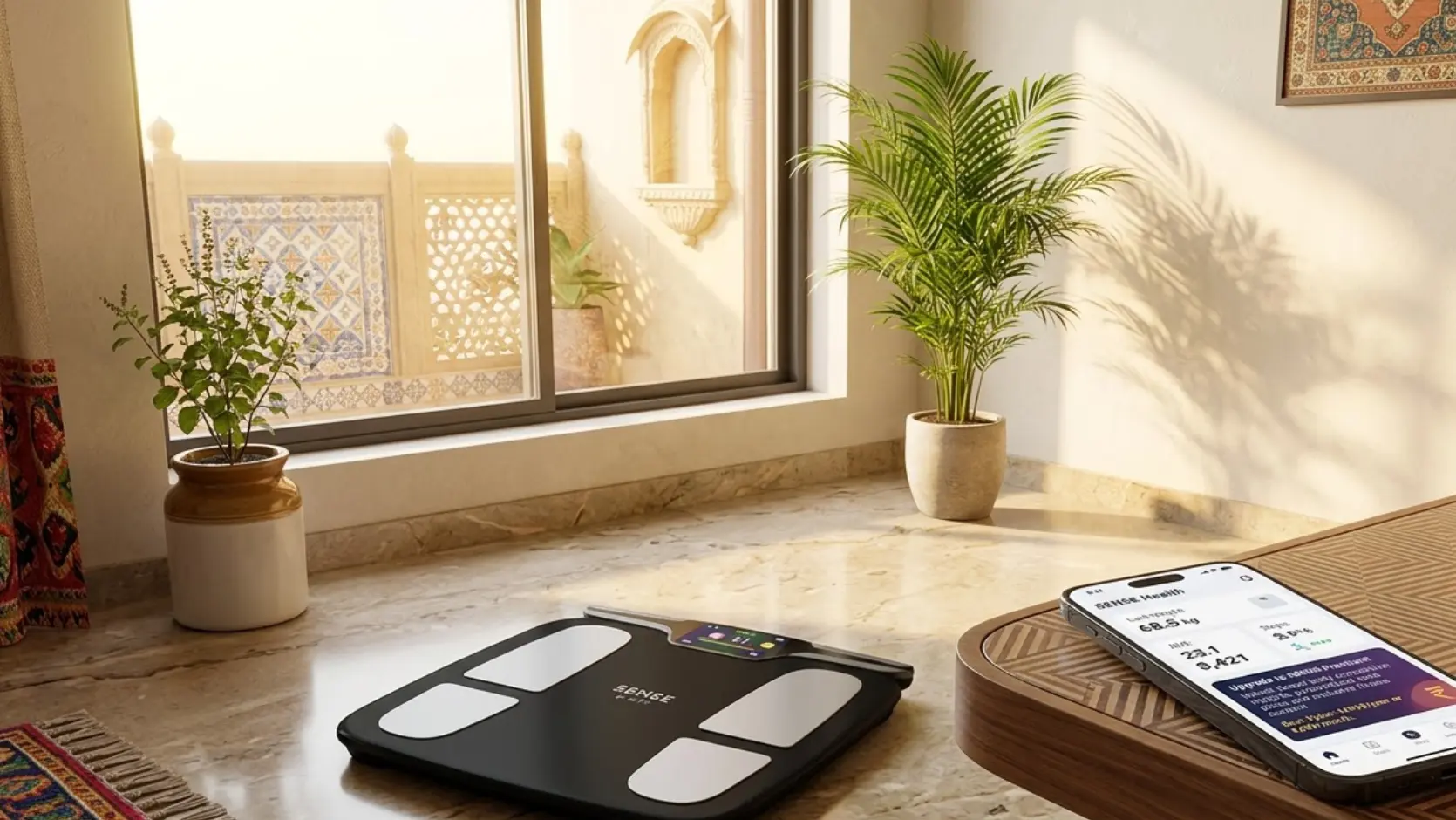
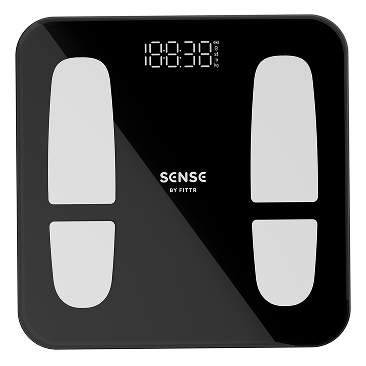
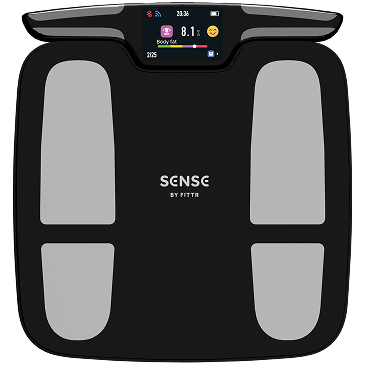
As an example, the FITTR Sense smart scale lets you set your preferred weighing unit and keeps every reading consistent in the FITTR app, so your trend stays clear over time. Choosing your unit once and letting the app maintain it removes any confusion and keeps the focus where it belongs – on your progress.
Why Scales Show More Than One Unit
Modern scales support multiple units because they are sold across regions with different conventions. A single model might ship to metric countries that use kilograms, the US which uses pounds, and the UK which uses stone, so manufacturers build in all three and let you choose. This is why a brand-new scale sometimes arrives set to an unexpected unit. If your scale shows a unit you did not expect, it simply means the default was set elsewhere. Switching it to your preferred unit takes seconds and is one of the first things worth doing when you set up a new scale.
Weighing Units Around the World
Different regions favour different units, which is worth knowing if you travel or use international tools. Most of the world, including India, uses kilograms. The United States uses pounds almost exclusively. The United Kingdom and Ireland often use stone for body weight, even while using metric elsewhere. This patchwork is why fitness apps and health guidelines usually default to kilograms – it is the most universal unit. If you ever compare your weight against international references or work with a global app, kilograms are the safest common language.
Switching Units Without Losing Your Trend
If you do need to switch units, the important thing is not to break your tracking. A good app keeps your weight history intact and simply re-displays it in the new unit, so your trend line stays continuous. Problems only arise when you switch back and forth repeatedly or log readings manually in mixed units. The simplest advice is to pick one unit at the start and leave it. If you must change, do it once, let the app convert your history, and then stick with the new unit so your trend remains clear and comparable.
Common Unit Mistakes
A few errors cause needless confusion:
- Reading a number in the wrong unit and panicking unnecessarily.
- Switching units midway through tracking and muddling the trend.
- Entering metric data into a tool expecting imperial, or vice versa.
- Comparing your weight in one unit against a guideline in another.
- Forgetting to set the unit on a new scale before you start.
Units and Smart Scale Apps
Smart scales handle units neatly through their apps. You set your preferred unit once, and every reading is recorded and displayed consistently, with the app doing any conversions behind the scenes. This removes the manual juggling that causes most unit confusion. A smart scale like FITTR Sense keeps your chosen unit fixed across every weigh-in, so your trend is always in the same terms.
Reading Your Weight in Context
Whatever unit you use, your weight is most meaningful in context. The same number means different things depending on your height, build and body composition, which is why tools that interpret your weight are so useful. Fittr’s difference between BMI and BMR explainer and body fat calculator help you place your weight in a fuller health picture, regardless of the unit you read it in.
Frequently Asked Questions
What is a weighing unit?
A weighing unit is the unit of measurement a scale displays your weight in, such as kilograms (kg), pounds (lb) or stone.
What is the difference between kg and lb?
Kilograms are the metric unit and pounds the imperial unit. One kilogram is about 2.2 pounds.
Which weighing unit should I use?
Use whichever unit you understand best. What matters most is staying consistent so your readings are comparable over time.
How do I change the unit on my scale?
Most scales let you switch units with a button on the base or in the companion app, depending on the model.
Why does my scale show different units?
Many scales support multiple units; you can switch to your preferred one in the settings or app.
Know Your Units, Know Your Progress.
A weighing unit, scale kg, or kg weight machine reading is simple once you understand it: kilograms for most of the world, pounds in the US, stone in the UK and Ireland, all measuring the same weight in different labels. Pick the unit you think in, learn the quick conversions, and above all stay consistent so your trend stays clear. A smart scale like the FITTR Sense makes that effortless by remembering your preferred unit and keeping every reading aligned.