



Combining scales and app connectivity turned a simple daily habit into genuine, trackable data. Instead of manually writing down numbers or trying to remember last week’s reading, a bluetooth scale automatically logs every weigh-in, building a trend chart you can actually act on without any extra effort. This guide explains how bluetooth scale technology works, what separates a genuinely useful companion app from a mediocre one, and how to get real value from any scale machine that connects to your phone.
How a Bluetooth Scale Connects to Your Phone
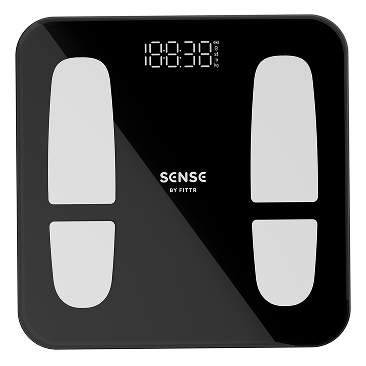
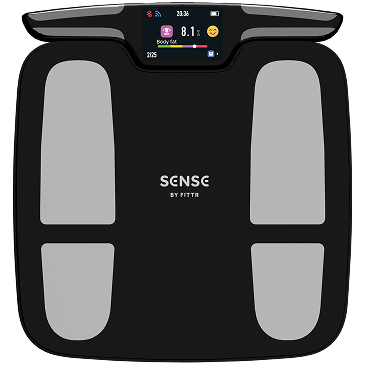
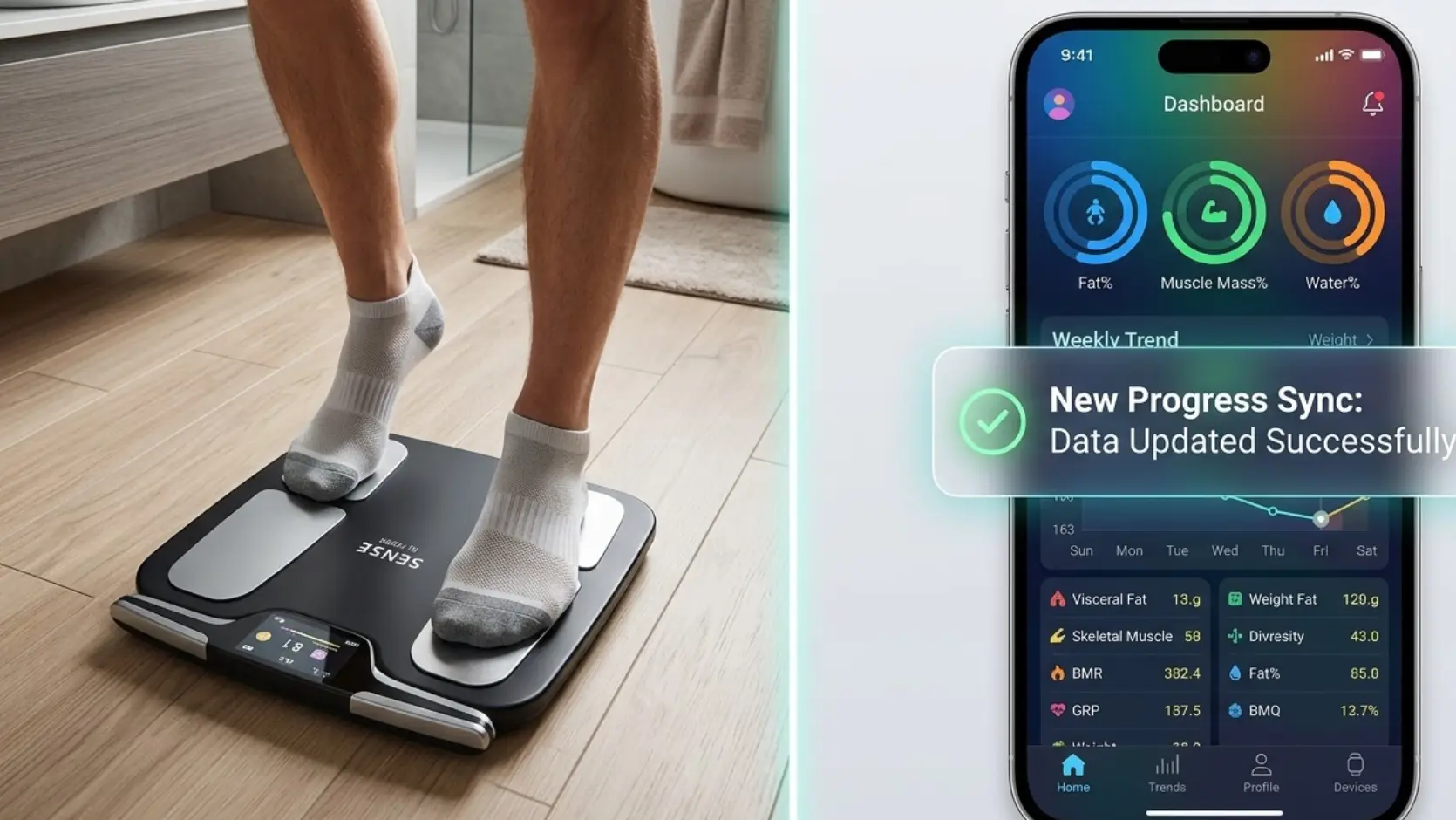
A bluetooth scale uses low-energy wireless technology to transmit each reading to your smartphone the moment you step off the platform, without needing to manually sync or plug in any cables. Most bluetooth scale designs also store a limited number of readings locally if your phone isn’t nearby during a weigh-in, syncing that data automatically the next time your phone reconnects.
What Makes a Good Companion App
The value of pairing scales and app technology together lives largely in the software, not just the hardware. A good app presents your trend clearly through simple charts, lets you set realistic goals, and separates daily noise from genuine multi-week change through built-in averaging or smoothing features.
Automatic Trend Tracking Explained
The single biggest advantage of scales and app pairing is automatic trend tracking, removing the need to manually record and chart your own data. Because daily weight naturally fluctuates from hydration and food intake, a good app automatically smooths this noise into a clearer, more meaningful multi-week trend line.
Multi-User Recognition in Connected Scales
For households sharing one bluetooth scale, automatic user recognition – where the scale machine identifies who’s standing on it based on known weight and profile data – keeps everyone’s data properly separated within the shared app. Without this, a family’s combined readings become a confusing, unusable mix.
Body Composition Data in Connected Apps
Beyond weight, most bluetooth scale apps also chart body composition metrics like fat percentage, muscle mass and water percentage over time, turning raw bioelectrical impedance readings into a genuinely useful visual trend. This is where scales and app pairing adds real value beyond what a basic scale alone could ever offer.
Setting Goals Within Your Scale App
A well-designed scales and app system lets you set a specific, realistic goal – a target weight, fat percentage, or muscle mass figure – and tracks your progress toward it automatically, often with encouraging visual milestones along the way.
Privacy Considerations for Connected Scales
Since a bluetooth scale collects genuinely personal health data, it’s worth checking how a specific app stores and uses that information before connecting your account, particularly whether data is shared with third parties or used for purposes beyond your own personal tracking.
Troubleshooting Common Bluetooth Scale Issues
If your bluetooth scale isn’t syncing reliably, check that Bluetooth is enabled on your phone and that the app has the necessary permissions granted in your phone’s settings, since many “broken scale” complaints actually trace back to a simple phone or app setting.
Choosing Between Basic and Connected Scales
Basic Scales
Not everyone needs a full scales and app system – if you’re comfortable simply glancing at a number each morning without formal tracking, a basic non-connected scale machine is perfectly adequate.
Connected Scales
If you’re serious about monitoring trends over weeks and months, particularly alongside a specific fitness goal, the automatic tracking a bluetooth scale provides is genuinely worth it.
Battery Life Considerations for Bluetooth Scales
A bluetooth scale draws more power than a basic weight-only model, since maintaining a wireless connection and syncing data requires meaningfully more energy than simply displaying a number. This means battery life expectations should factor into your decision when choosing between scales and app options.
Data Export and Long-Term Ownership
A good scale and app system should let you export your historical data, whether as a simple spreadsheet or through integration with broader health tracking platforms, protecting your years of accumulated tracking history.
Comparing Ecosystems Before You Commit
Different bluetooth scale brands build their own separate app ecosystems, and switching between them later can mean losing the convenience of accumulated historical data unless export options are genuinely robust. Researching a brand’s app ecosystem and its long-term support reputation before buying is worth the extra few minutes, particularly for households planning to use scales and app tracking for years rather than months, since the inconvenience of switching ecosystems compounds the longer you’ve been accumulating data within a specific system.
Getting the Most From Your Connected Scale
Beyond the hardware and software fundamentals, a little intentionality turns a bluetooth scale from a passive gadget into a genuinely useful tool. Check your trend chart on a fixed schedule – weekly is plenty for most people – rather than opening the app after every single weigh-in, since daily checking tends to amplify noise rather than reveal signals. Pairing your scale’s data with a broader tracking habit, whether that’s training logs, food tracking, or simply noting how you feel, gives the numbers context that the scale and app alone can never fully provide on their own.
Common Myths About Connected Scales
A few misconceptions are worth addressing.
- A bluetooth scale isn’t automatically more accurate than a basic scale machine; connectivity is a data feature, not a precision improvement.
- You don’t need to weigh in every single day to benefit from scales and app tracking; consistent weekly use works well too.
- Bluetooth connectivity issues are usually a phone or app setting problem, not a sign the scale’s core hardware is faulty.
- Not all scale apps require an ongoing subscription; check the specific model before assuming extra costs apply.
- A cluttered app with many features isn’t necessarily better than a simple one that clearly shows your trend at a glance.
Frequently Asked Questions
How does a bluetooth scale connect to my phone?
It uses low-energy wireless technology to transmit each reading automatically to a companion app the moment you step off the platform.
What should I look for in a scale and app pairing?
Clear trend charts, reliable syncing, goal-setting features, and support for multiple user profiles if more than one person will use it.
Is a bluetooth scale more accurate than a basic scale machine?
No, connectivity is a data-tracking feature, not an accuracy improvement; sensor quality determines precision regardless of connectivity.
Do I need to weigh in daily to benefit from a connected scale?
No, consistent weekly weigh-ins work well too; what matters most is regularity rather than daily frequency.
Why won’t my bluetooth scale sync with the app?
Check that Bluetooth is enabled and the app has proper permissions; most syncing issues are phone or app settings rather than scale faults.
Track Trends, Transform Results
Scales and apps, bluetooth scale, or a connected scale machine – all describe the same core idea: automatic, effortless tracking that turns daily weigh-ins into a genuine, actionable trend over time. To make the most of your connected data, Fittr’s body fat calculator can help you turn those trends into real training decisions.